
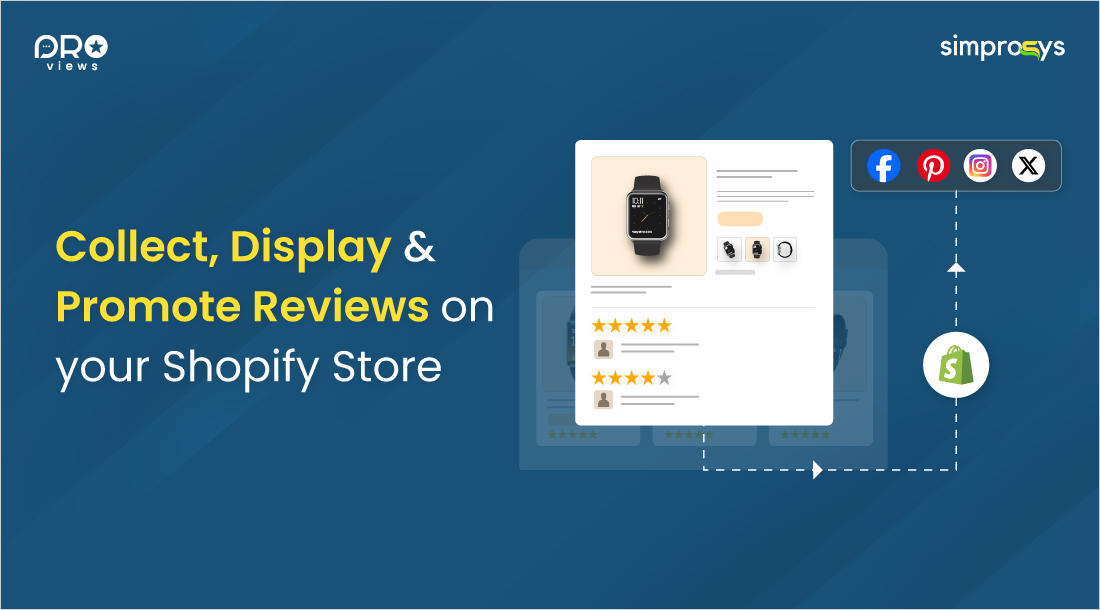
Imagine customers visit your Shopify store while browsing and love your product, but they have doubts about it. Will it deliver the same product as it looks? Can I trust this brand?
Then they scroll down and see verified reviews from real customers who have made a purchase with photos, videos, and detailed feedback attached. That builds trust in them, and they click the add to cart button.
That's the magic of product reviews and user-generated content (UGC). Reviews build trust, boost SEO ranking, increase conversion rates, and turn one-time buyers into loyal customers who keep coming back.
In this article, we'll cover everything you need to know about Shopify product reviews management. From collecting reviews, authentic feedback, displaying it on your store, and promoting it across multiple channels.
Let's be honest. Asking customers to leave reviews is one of the most common pain points of e-commerce merchants. People who are busy ignore emails, text messages, notifications, etc., and writing a review often falls to the bottom of their to-do list.
Then, how to collect reviews from your buyers? If you're not actively collecting reviews, you're missing out on one of the most powerful marketing tools available.
Every review is social proof of the product. 49% of buyers trust online reviews as they build trust and credibility for your product with every visitor.
You could manually reach out to each customer asking for a review, but that's a time-consuming process. Smart store owners use an app for an automated Shopify review collection process.
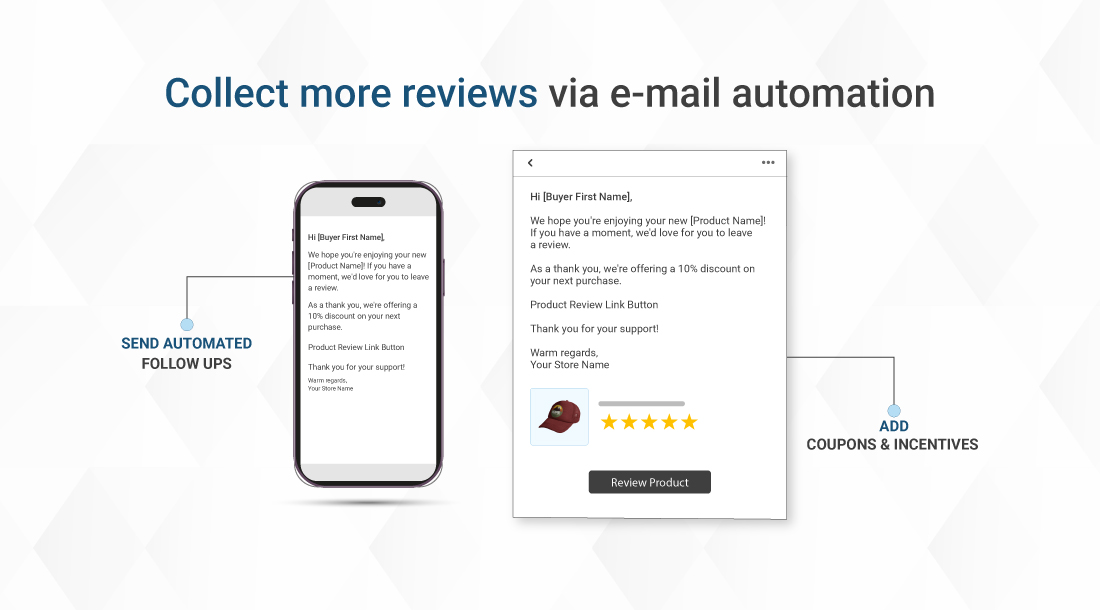
This means setting up a system that automatically sends review requests at the right time, mostly between 7-14 days after delivery, when the customer has had enough time to use the product.
Understanding why product reviews are valuable for your e-commerce store helps you prioritize this critical aspect of your business strategy.
Timing is the most important when it comes to collecting reviews. If you send the review request too early, customers will not have a chance to test your product properly. If you send the request too late, and the purchase is a distant memory, they might not remember the product.
Then what’s the right time? The most suitable time is about a week after delivery.
Using the template below, you can send it to customers to collect reviews.
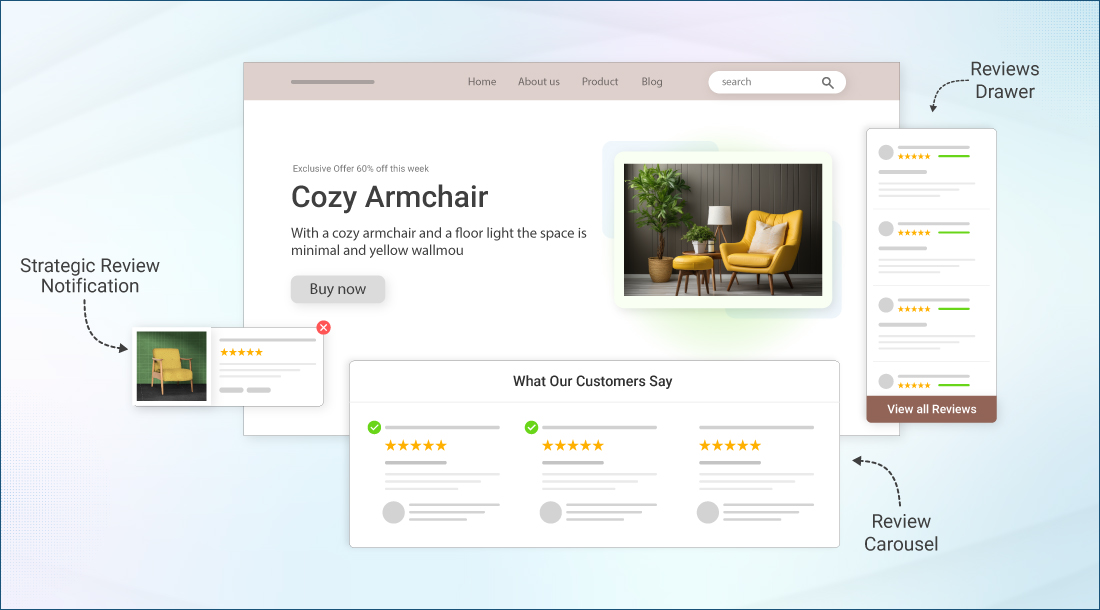
Collecting reviews is only half the battle. You need to further display them effectively to maximize their impact. Think of your reviews as digital salespeople working 24/7 to convert visitors into customers.
Your product pages are a prime location for reviews, but don't stop there. Consider adding a review carousel to your homepage, featuring star ratings in product and collection pages, and even showcasing testimonials on your about page. The key is making reviews visible without overwhelming the user experience of your store.
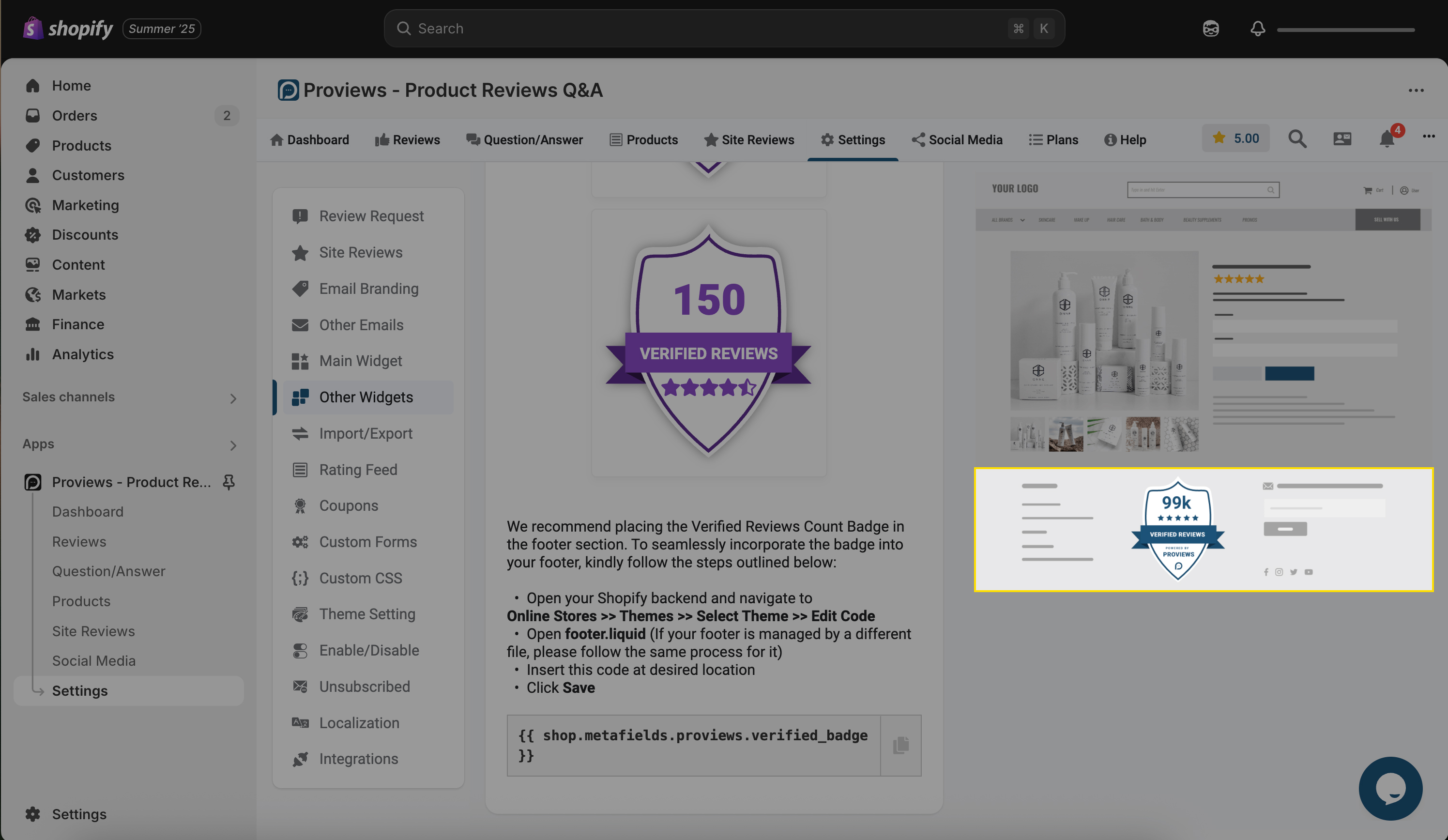
Verified purchase badges, photo reviews, and Q&A sections add extra authenticity that customers are looking for. When someone sees a review with a real customer photo and a "verified buyer" tag, it carries so much more weight than a text-only review.
Your reviews shouldn't just be on your product pages. They're content gold that you can leverage for your entire marketing strategy.
Those customer photos and glowing reviews? They're perfect for your Instagram stories, Facebook posts, and Pinterest boards. User-generated content performs better than branded content because it feels authentic and relatable.
Reviews don't just help to build trust among customers; they also help you rank on Google. Fresh, keyword-rich review content helps your product pages rank higher in search results. Plus, review-rich snippets, those star ratings you see in Google search results, can boost your click-through rates.
Learn more about how product reviews can supercharge your SEO strategy for Shopify stores to maximize your organic visibility.
Share the standout reviews in your email newsletters, feature them in your video ads, and use them as social proof in your retargeting campaigns. The more places your positive reviews appear, the more trust you build with customers.
When you switch from another review app or want to back up your valuable review data, an app like Proviews makes the process seamless. Managing your reviews properly is essential for long-term success.
Your reviews are valuable assets that display months or years of customer feedback. If you're switching platforms, you wouldn’t want to lose this social proof that took so long to build.
Most review apps make it relatively easy to import reviews from popular platforms like Loox or Judge.me. The key is to ensure that all your review data, including photos, ratings, and customer information, is transferred correctly from one app to another.
Avoiding common pitfalls
Always back up your reviews before making any changes, test the import process with a small number first, and double-check if all formatting and features work properly after migration.
Once you've mastered the basics, it's time to level up your review strategy with advanced features that set you apart from competitors.
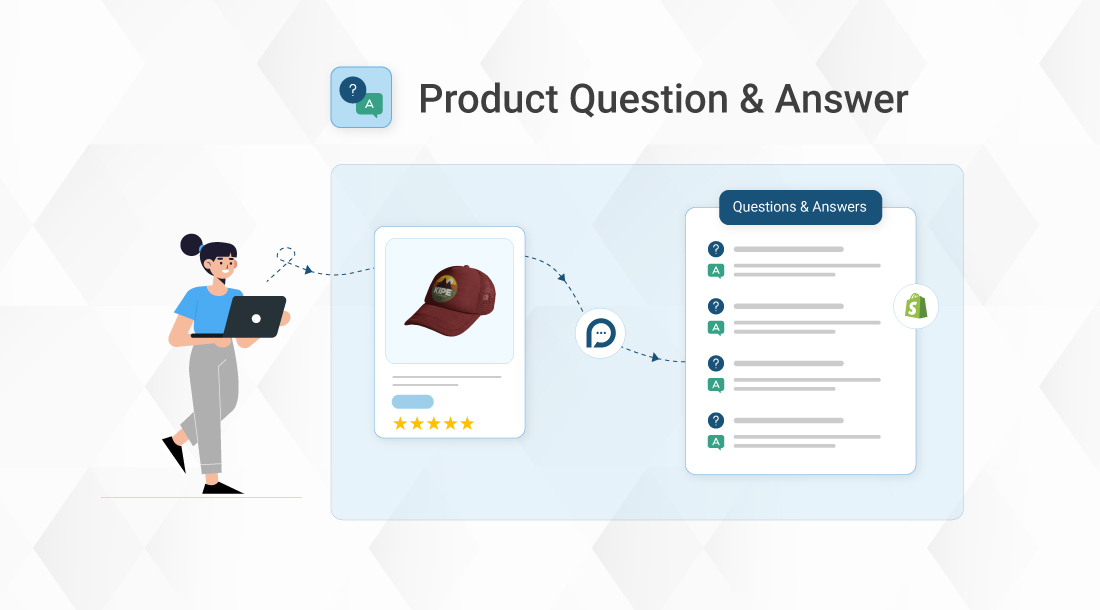
Display product questions and answers on the Shopify store
Product Q&A sections allow potential customers to ask specific questions about your products, and existing customers can provide answers in return. It's like having a community of brand advocates helping with customer service.
If you're selling globally, make sure your review system can handle multiple languages. This makes international customers feel welcomed and increases the likelihood they'll leave feedback.
Connect your reviews with Google Shopping, email marketing platforms, and social media scheduling tools. The more integrated your systems, the more efficiently you can leverage your review content.
What gets measured gets managed. Track key metrics, like review volume, average rating, and conversion rate, to continuously improve your strategy.
Pay attention to the products that get the most reviews, what customers consistently praise or complain about, and how review display changes affect your conversion rates. This data helps you make informed decisions about inventory, marketing, and customer service.
Even when challenges arise, knowing how to tackle negative product reviews in your e-commerce store can turn potential setbacks into opportunities for improvement.
Product reviews and UGC aren't just nice additions to your Shopify store; they're essential for eCommerce success. They build trust, improve SEO, increase conversions, and create a community around your brand.
The key is to approach reviews systematically by collecting them, displaying them effectively, promoting them widely, and continuously optimizing based on data. With the right Shopify product review management system, like the Proviews app, you'll turn every satisfied customer into a powerful marketing asset.
Ready to transform your review strategy?
Start by implementing an automated review collection, then focus on showcasing your reviews beautifully throughout your store. Your future customers and your conversion rates will thank you.
1. Do product reviews and user-generated content (UGC) matter for Shopify stores?
Absolutely! Product reviews and UGC are crucial for a Shopify store success. Customer reviews influence up to 90% of buying decisions and significantly boost your SEO rankings. For e-commerce product reviews specifically, they:
2. What is the best way to collect product reviews on Shopify?
Use automated review request emails sent 7-14 days after delivery. This timing ensures customers have used the product while the purchase is still fresh in their minds.
3. Can I import reviews from Loox or Judge.me to my Shopify store?
Yes, most modern review apps support importing from popular platforms. Always back up your data first and test the import process with a small batch.
4. How can I display customer reviews on Shopify product pages?
Use Shopify review widgets that match your brand design, include photo reviews and verified badges, and consider adding Q&A sections for comprehensive social proof.
5. What is the benefit of using UGC in Shopify marketing?
UGC performs better than branded content because it's authentic. Use customer photos and reviews across social media, email campaigns, and advertising for maximum impact.
6. How to select the best review app for your store's needs?
Look for apps that offer automated collection, customizable display options, multi-channel promotion features, and reliable import and export capabilities.
7. Which is the best Shopify app for managing product reviews?
The best app depends on your specific needs, but look for features like automated collection, beautiful display widgets, SEO optimization, and integration capabilities with your existing tools.